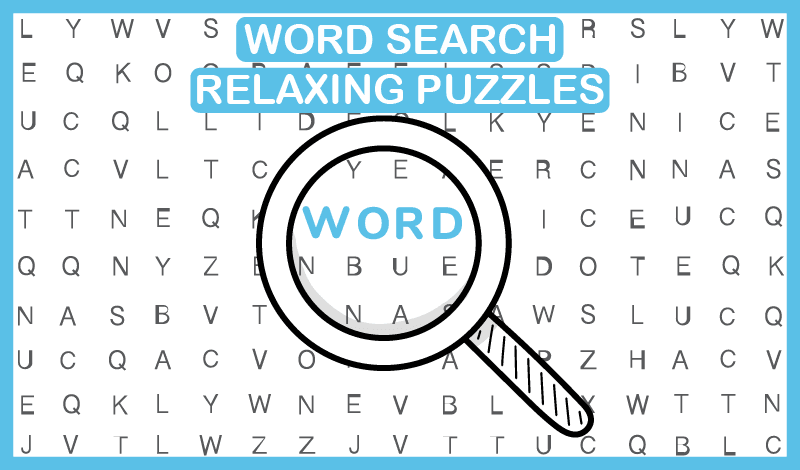
Word Search is a game where you find hidden words in a letter grid by scanning and connecting letters.
It is relaxing but improves focus and vocabulary through pattern spotting.
Unblocked versions are popular because they load fast in a browser and are easy to pause.
To play faster, start with long words, look for rare letters and common endings, and scan systematically. Practice daily and avoid using hints too early for quicker improvement.
Word Search is a word puzzle game where words are hidden inside a grid of scrambled letters. Your goal is to find those words by scanning the board and selecting letters in the correct order.
Most versions allow you to drag across letters in straight lines, often horizontally, vertically, or diagonally.
Many modern Word Search games also include extra layers of progress. You complete levels, unlock harder puzzles, earn hints, and sometimes chase streaks or leaderboards.
Even when the rules stay simple, the difficulty rises because the word list grows, the grid becomes larger, and words overlap more tightly.
The key appeal is that Word Search delivers a clear win condition. Find the words, clear the level, move forward. No complicated controls, no timers unless you want them, and no long sessions required to feel progress.
Word Search looks easy because it is quiet and slow paced, but it makes your brain work in a useful way.
It requires attention without overwhelming you. You are not reacting to fast visuals. You are scanning and predicting patterns.
Word Search strengthens skills that transfer to daily life.
This is why Word Search is often used as a short break activity. It resets your brain while still feeling productive.
Word Search unblocked usually refers to a browser playable version you can access quickly, including on networks where game sites may be restricted.
Players choose unblocked versions for a simple reason: speed and convenience. You can open a puzzle instantly, play for five minutes, and close it without downloads or setup.
For students or office break players, Word Search unblocked fits perfectly because it is quiet, low intensity, and easy to pause.
It also works well on many devices, from laptops to tablets to phones, because the interaction is just tapping or dragging.
The most important thing is to choose a version that feels smooth. In Word Search, lag or input delay can make puzzles feel annoying, so stable performance matters more than flashy features.
If you want to clear levels efficiently, use a method instead of random scanning.
Long words are easier to spot because they create unique letter sequences. Finding them also reveals letters that help you locate shorter words that overlap.
Letters like Q, X, Z, and V stand out. If a word list includes one of these, it narrows your search immediately.
Scan for patterns like ING, ED, ER, and LY. Even if you do not know the full word yet, you can locate the end and trace backward.
Many players only scan the center. Make a habit of checking corners and edges first, then move inward.
Even mentally, decide which rows and columns you have scanned. This prevents repeating the same search path.
These habits make Word Search feel much easier because you stop relying on luck and start using structure.
If you want Word Search to genuinely improve your vocabulary and speed, use a small routine.
Play one easy puzzle to warm up: Then play one medium puzzle and aim to finish without hints
End with one harder puzzle and allow yourself one hint if needed: This creates a balanced practice pattern. You build confidence, train speed, then stretch difficulty.
You will notice progress within a week because your brain starts predicting word shapes and spotting common letter clusters faster.
If you want a fun two game routine, Word Search pairs surprisingly well with Ping Pong Go. Word Search trains slow focus and pattern recognition. Ping Pong Go trains fast reaction timing and rhythm.
After a few Word Search puzzles, your brain feels organized and alert. Switching to Ping Pong Go gives you a quick burst of action where you apply that focus under speed. It is a clean balance between calm thinking and sharp reflexes.
This pairing also keeps sessions from feeling repetitive. Word Search resets your mind. Ping Pong Go energizes it. Together they make a simple break feel more satisfying than scrolling aimlessly.
Some players struggle in Word Search not because the puzzles are too hard, but because their approach creates extra friction.
Fixing these mistakes makes the game feel smoother and more relaxing.
Yes. Regular play reinforces spelling patterns and introduces new words naturally through repeated exposure.
Start with long words, scan for rare letters, look for common endings, and use a consistent scan path so you do not repeat the same areas.
It usually means a browser version you can play instantly, often used for quick access on restricted networks.
Yes, but use them strategically. Save hints for the final few words so you still train your scanning skills.
Most versions work well on mobile because the controls are simple drag and tap interactions.
Word Search is a calm, rewarding puzzle game that helps you build focus, pattern recognition, and vocabulary without feeling stressful. With a simple scanning method and a short daily routine, you will clear levels faster and enjoy the game more.
When you are ready to switch from quiet thinking to quick reflex fun, play Ping Pong Go next and enjoy a fast paced match that complements the calm rhythm of Word Search perfectly.